
Explore visually
Work with data through interactive visual interfaces and guided analytical workflows.
Find topics across data analytics, AI and SAS learning.
SAS SOFTWARE / INDEPENDENT GUIDE
A practical look at SAS software options for learners, from visual analytics to coding environments, and how these tools can support your learning journey.
Explore learning tools
Work with data through interactive visual interfaces and guided analytical workflows.
Use programming environments to explore data, develop analytical methods and experiment with models.
Discover academic software and learning resources designed for students and educators.
01 / VISUAL ANALYTICS
SAS Viya for Learners is a cloud-based academic environment that provides students and educators with tools for data preparation, visual analytics, statistics, artificial intelligence and machine learning.
It supports the analytics life cycle, from exploring a dataset and identifying patterns to developing and assessing analytical models. Learners can work through visual interfaces and supported programming environments.
The academic offering is intended for educational, noncommercial use. SAS determines access requirements and the tools available to eligible users.
Explore SAS Viya for Learners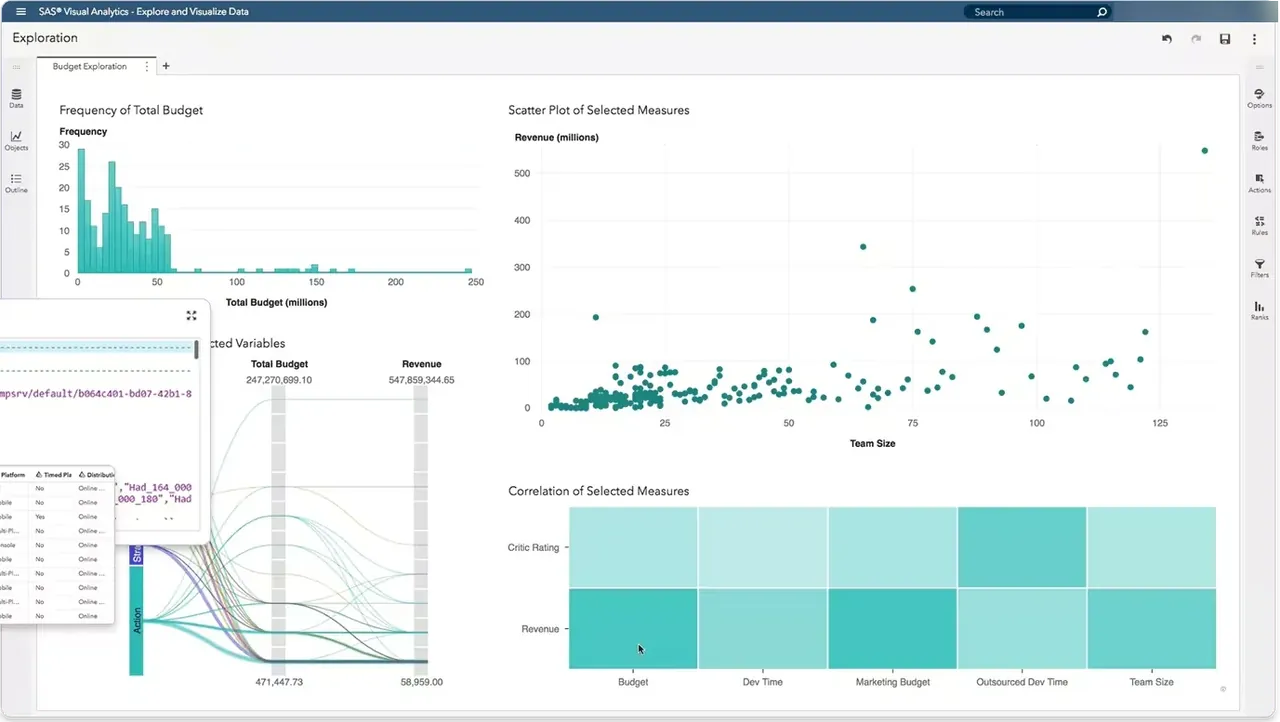
02 / CODING & MODELLING
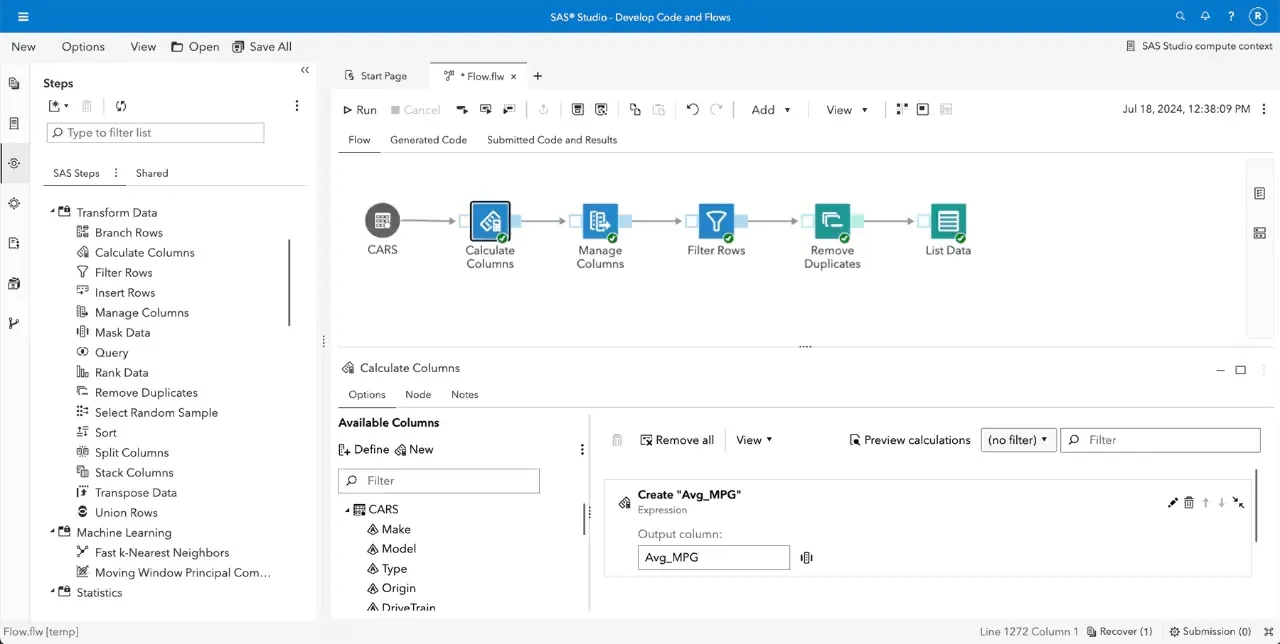
SAS Viya Workbench for Learners is an on-demand, cloud-based environment for learning programming, analysing data and developing analytical and machine learning models.
The environment offers a coding-focused approach to working with data, with access to SAS, Python and R for hands-on analytical study.
GitHub integration can support collaboration and version control. Access and available capabilities are governed by SAS and its academic eligibility requirements.
Review current availability and access conditions directly with SAS.
Explore SAS Viya WorkbenchAT A GLANCE
Both tools are designed to support learning with SAS technologies. They offer different ways of approaching analytical tasks, depending on whether you prefer visual workflows or programming-oriented exploration.
SAS Viya for Learners
SAS Viya Workbench for Learners
THE BIGGER PICTURE
Software works best when analytical methods are paired with sound judgement and careful interpretation.
Access, inspect and prepare your data.
Visualise information and investigate relationships.
Apply statistical and machine learning approaches.
Review results and communicate meaningful findings.
LEARNING & RESOURCES
SAS provides software and learning resources for students and educators, including academic tools, technical documentation, tutorials and materials that support analytical study.
Whether you are beginning to explore data or developing more advanced skills, the right starting point depends on the questions you want to answer and the analytical methods you intend to learn.
Access to individual programs and services is subject to the conditions published by SAS.
OFFICIAL LEARNING RESOURCES
Visit the official SAS website for detailed information on academic software, learning programs, available tools and access requirements.